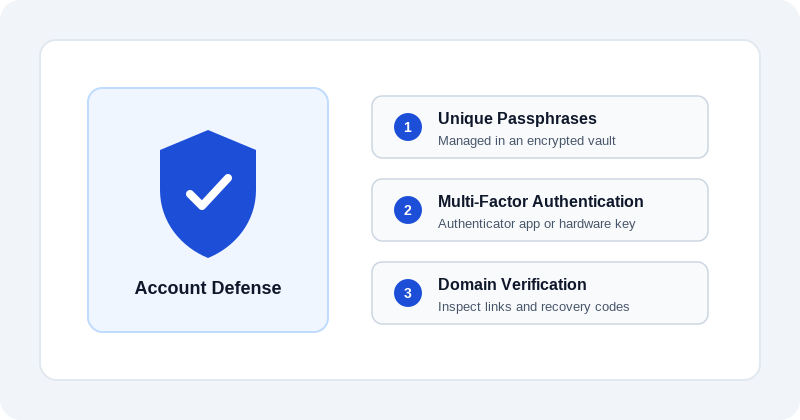
Online Security Basics
Build strong, unique passwords without memorizing dozens of codes, enable multi-factor authentication, spot phishing links, and prepare clean account recovery options.
Read Guide 1 →Plain-English Digital Literacy
Practical technology, digital privacy, cybersecurity awareness, and everyday digital skills written in plain English for readers in the US, UK, Canada, and worldwide. Follow our six connected guides in order—or jump directly to the topic you need today.
Start Here
Build strong, unique passwords without memorizing dozens of codes, enable multi-factor authentication, spot phishing links, and prepare clean account recovery options.
Read Guide 1 →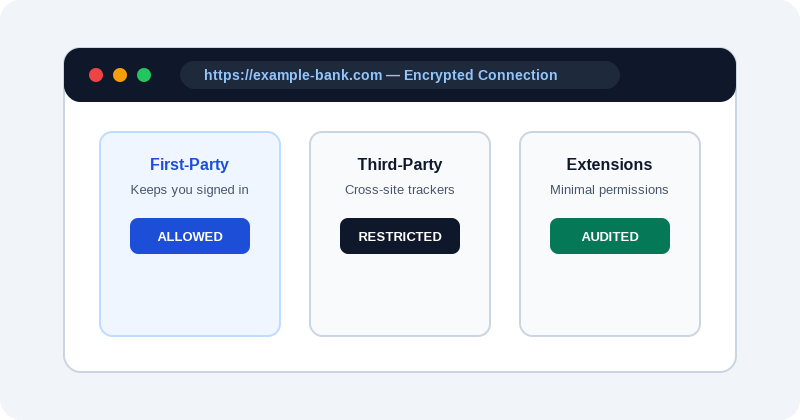
Understand what cookies actually store, configure built-in browser tracking protection, know what private browsing hides (and does not hide), and vet extensions safely.
Read Guide 2 →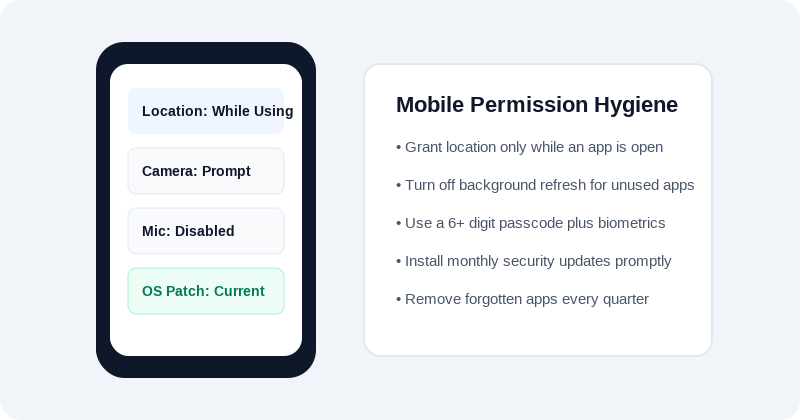
Audit microphone, camera, and location permissions on iOS and Android, curb unnecessary background app activity, and strengthen lock-screen and system update habits.
Read Guide 3 →Continue the Series
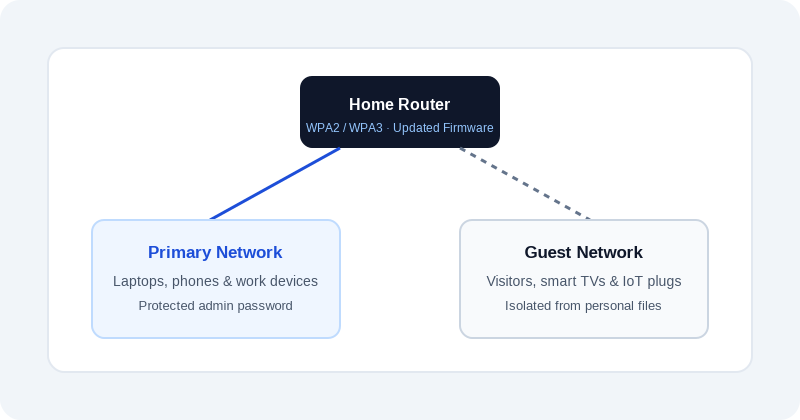
Secure your home router with WPA2 or WPA3, separate smart devices onto a guest network, keep router firmware current, and diagnose slow connections methodically.
Read Guide 4 →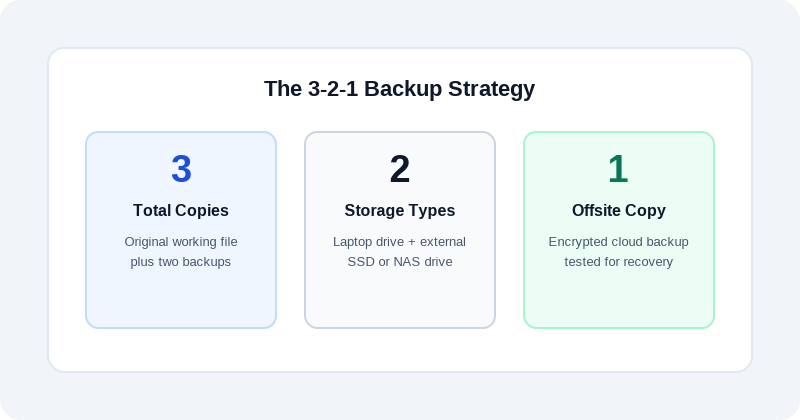
Use the practical 3-2-1 backup mindset combining cloud storage and external drives, organize folders cleanly, and test a real file restore before an emergency.
Read Guide 5 →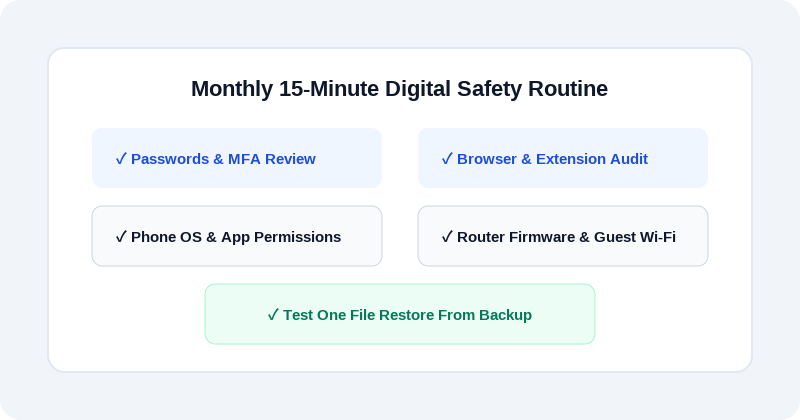
Turn the previous five guides into a calm 15-minute monthly maintenance checklist covering accounts, browsers, phones, Wi-Fi, and verified backups.
Read Guide 6 →Core Pillars
Passwords, multi-factor authentication, and spotting scams before clicking.
Practical browser and smartphone settings that limit silent tracking.
Router hardening, guest networks, and straightforward Wi-Fi troubleshooting.
Reliable backup habits and recovery plans that protect important files.
Step-by-Step Curriculum
External partner link selected for readers looking for software, password vaults, or everyday utility offers. Opening this link takes you to an external partner destination.